Content of this topic
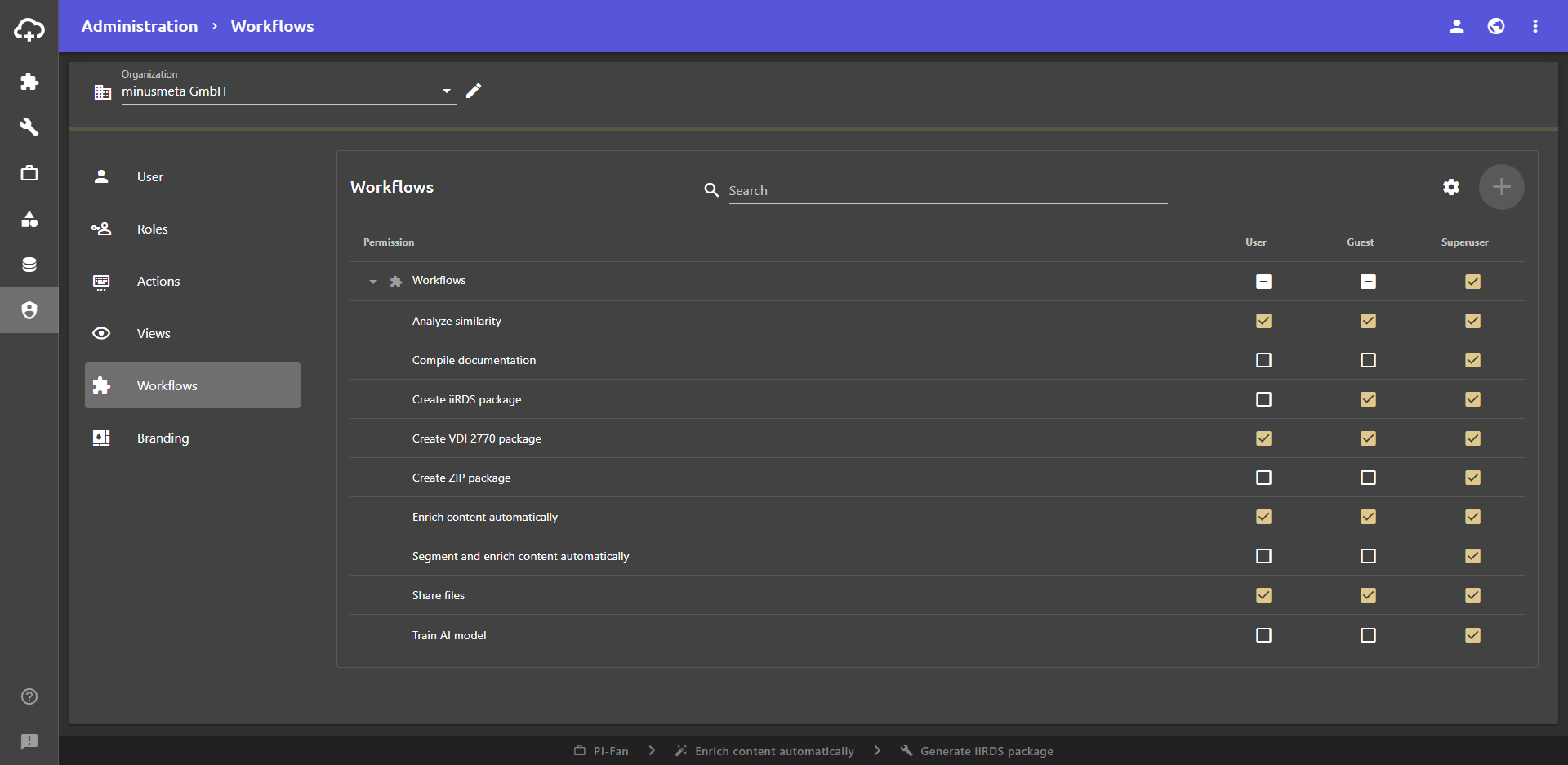
In this section of the Administration view, you can assign permissions to roles. The Workflows tab shows you all permissions related to accessing workflows.
Assign permission
To assign a permission to a role, you must enable the checkbox.
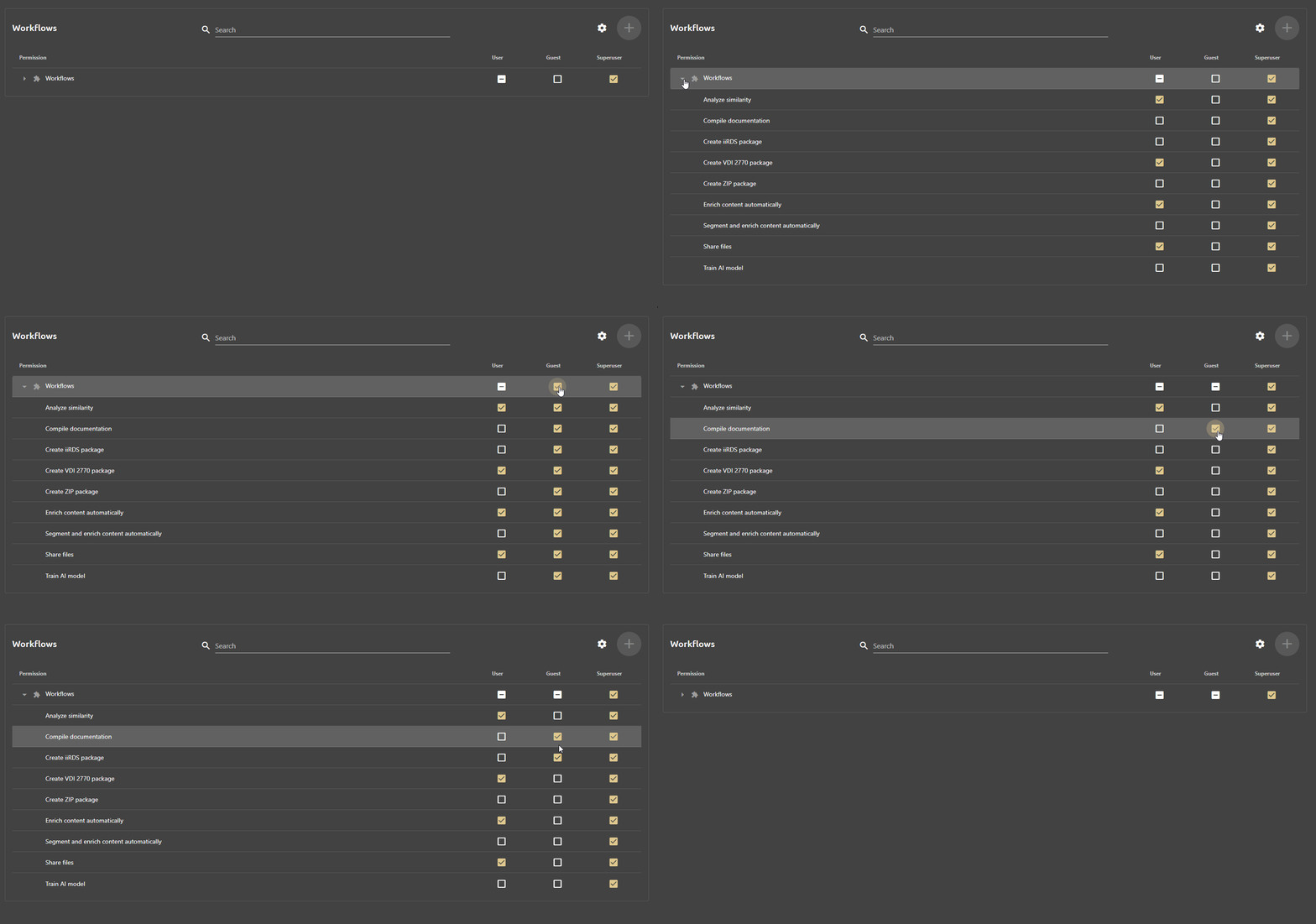
The permissions are divided into sections that can be collapsed and expanded. By selecting a checkbox in the section’s row, all permissions of the section are assigned to the role:
Note: The changes may only become active after a new log-in.