Content of this topic
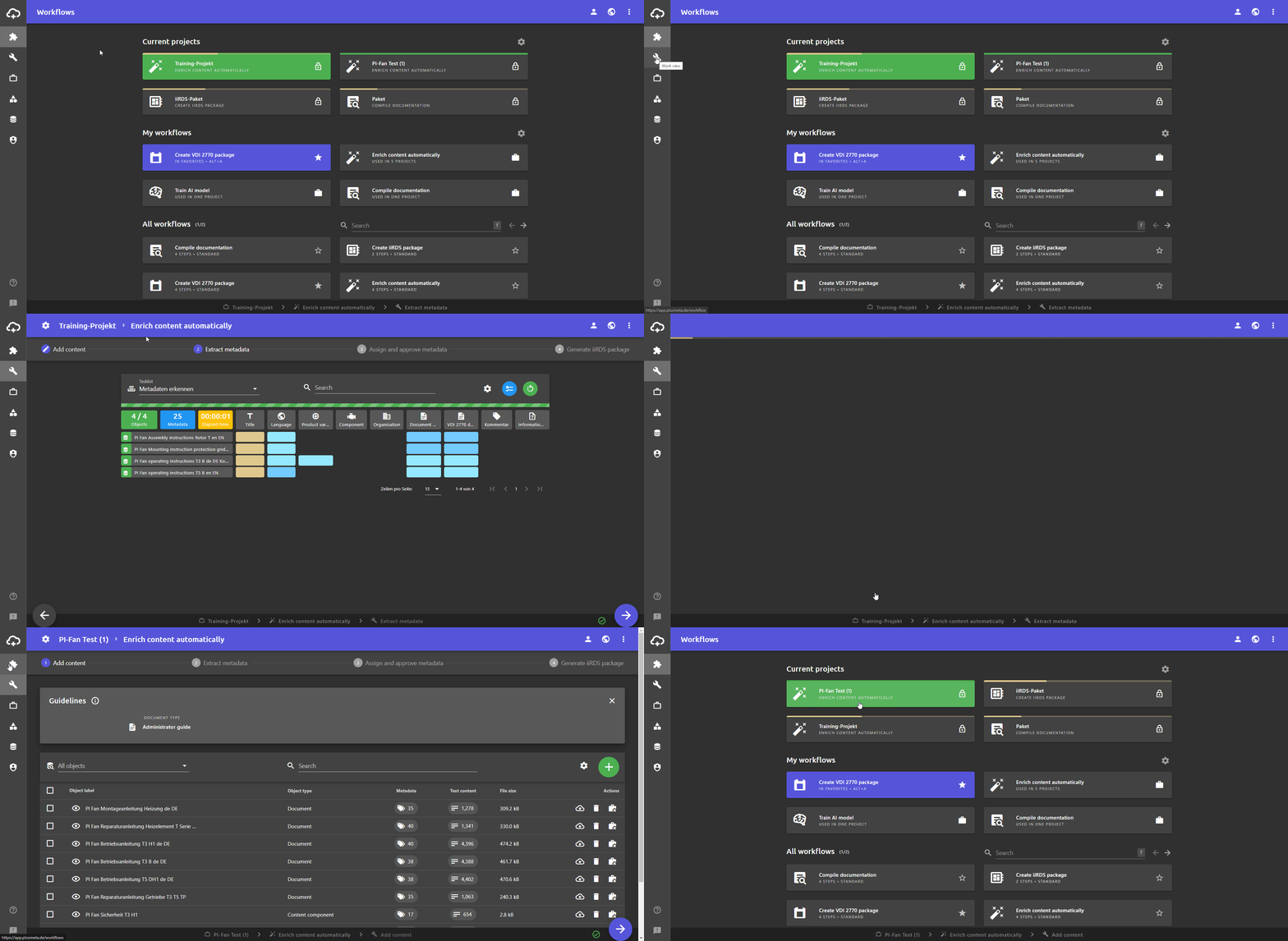
In the Work view, you can see your currently active project. The project is opened in the workflow step that you last worked on.
This means that the project you are currently working on always remains open in the work view, even if you switch to another view. For example, you can check something briefly in the workflows view and then go back to the work view and continue working where you were before.
Currently active project
Your currently active project is the project you were last working on. This project is also displayed at the bottom of the status bar and is highlighted in green in the workflows view.
Switch currently active project
You can switch to another project at any time. The project you are currently working on is always the currently active project. If you switch to another project, you do not have to save your changes manually. plusmeta saves the changes automatically.
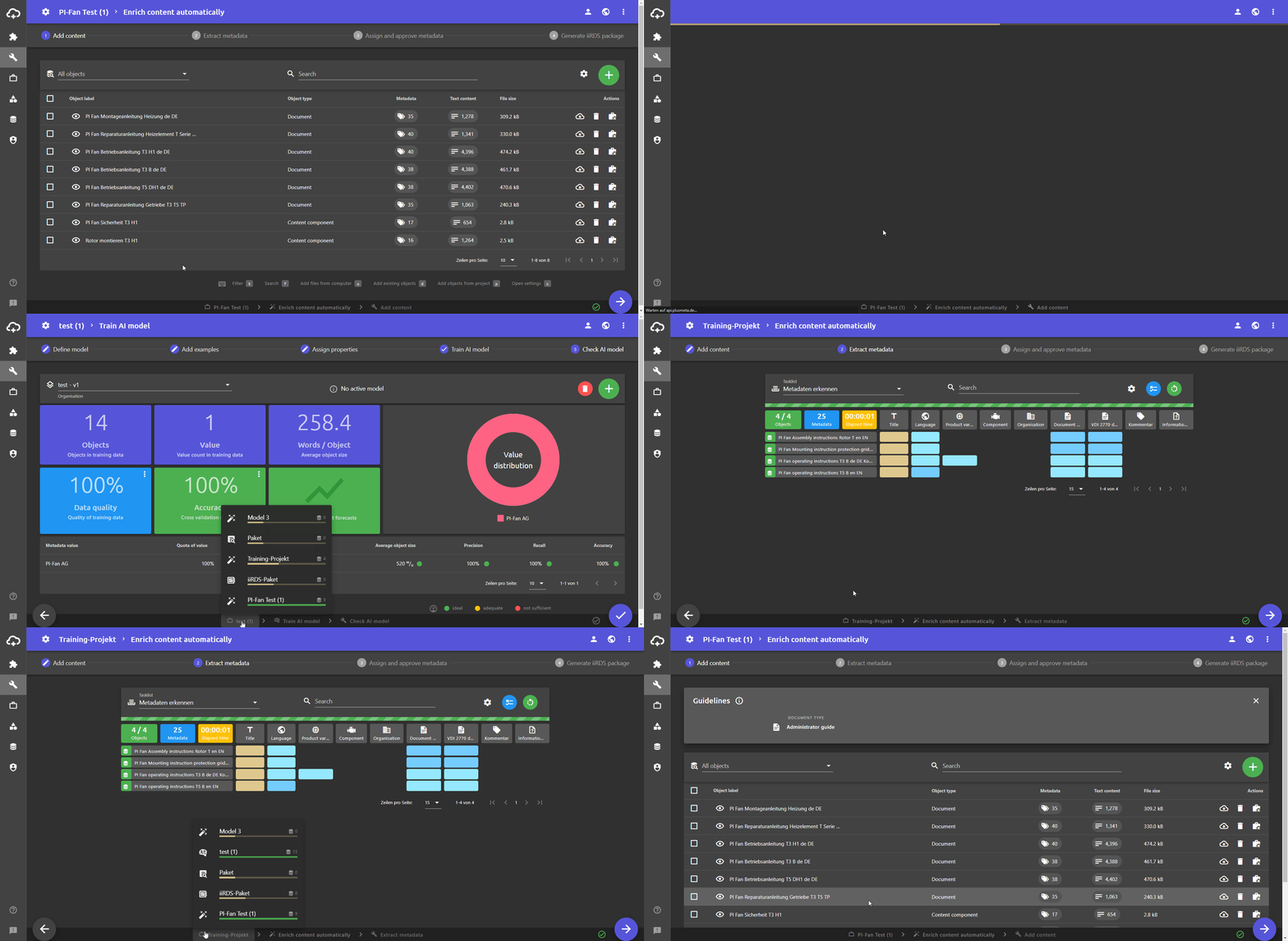
- Click on in the status bar at the bottom A list of your current projects appears above the button. The names of the projects, the progress and the number of assigned objects are displayed.
- Click on the desired project. The desired project is opened in the work view. The changes to your previously opened project are saved automatically.
