Content of this topic
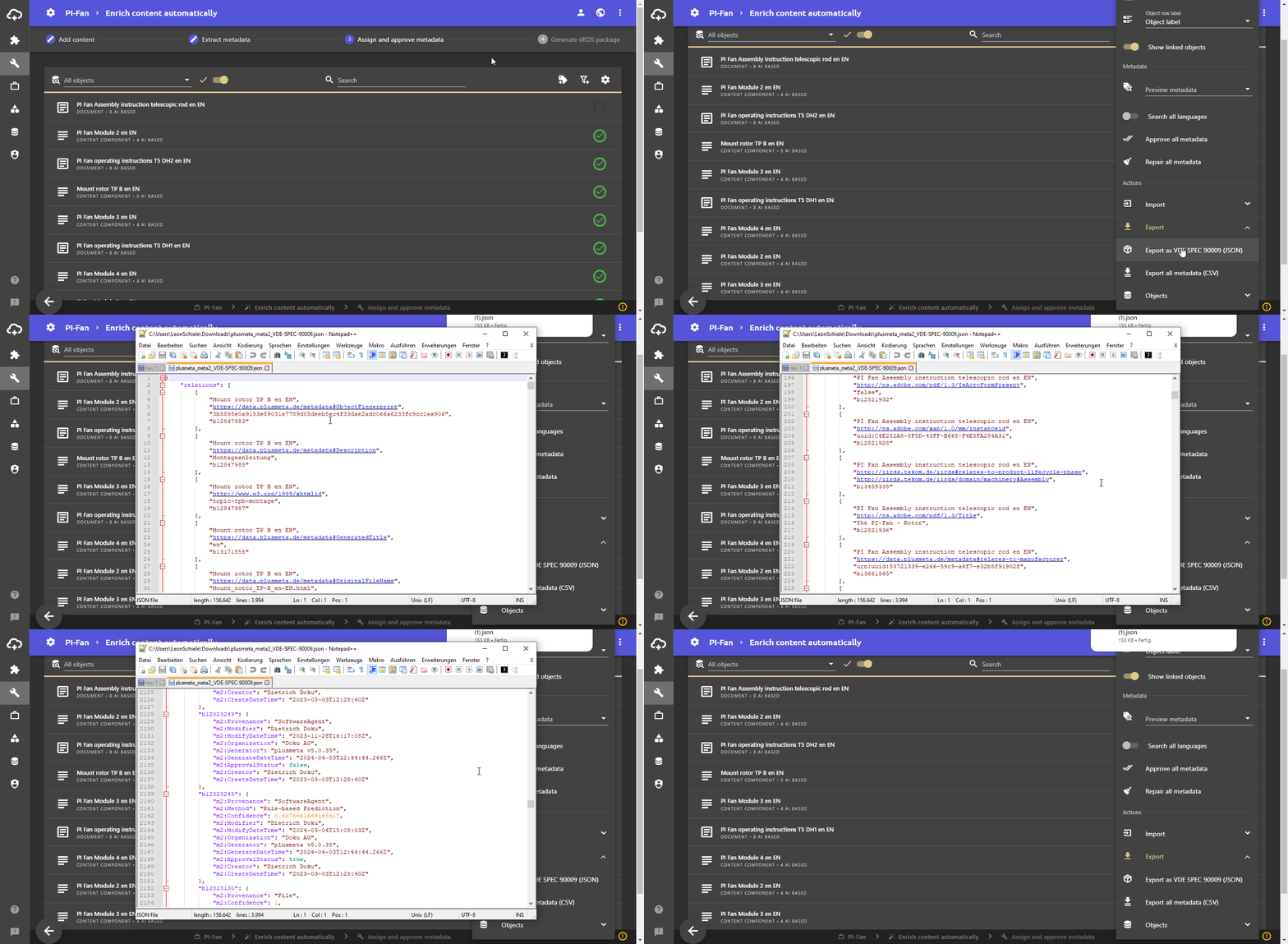
There are two ways to export metadata available in the Assign and approve metadata workflow step. The exports each contain information on origin, confidence and approval status. This allows you to check exactly how metadata was assigned, how confident the system was and also how large the proportion of automatically assigned metadata in your project is.
An export can be useful for monitoring or archiving results. However, the metadata is usually exported together with the files in a separate workflow step or transferred to a third-party system via an interface, for example as an iiRDS package or VDI 2770 package.
The export mechanisms presented here are therefore just another way of exporting metadata without the associated files.
Export metadata (CSV)
- Click on to open the Settings.
- Click on Export and select Export all metadata (CSV) to export all metadata of the projects with reference to the files as a CSV file.
Export as VDE SPEC 90009 (JSON)
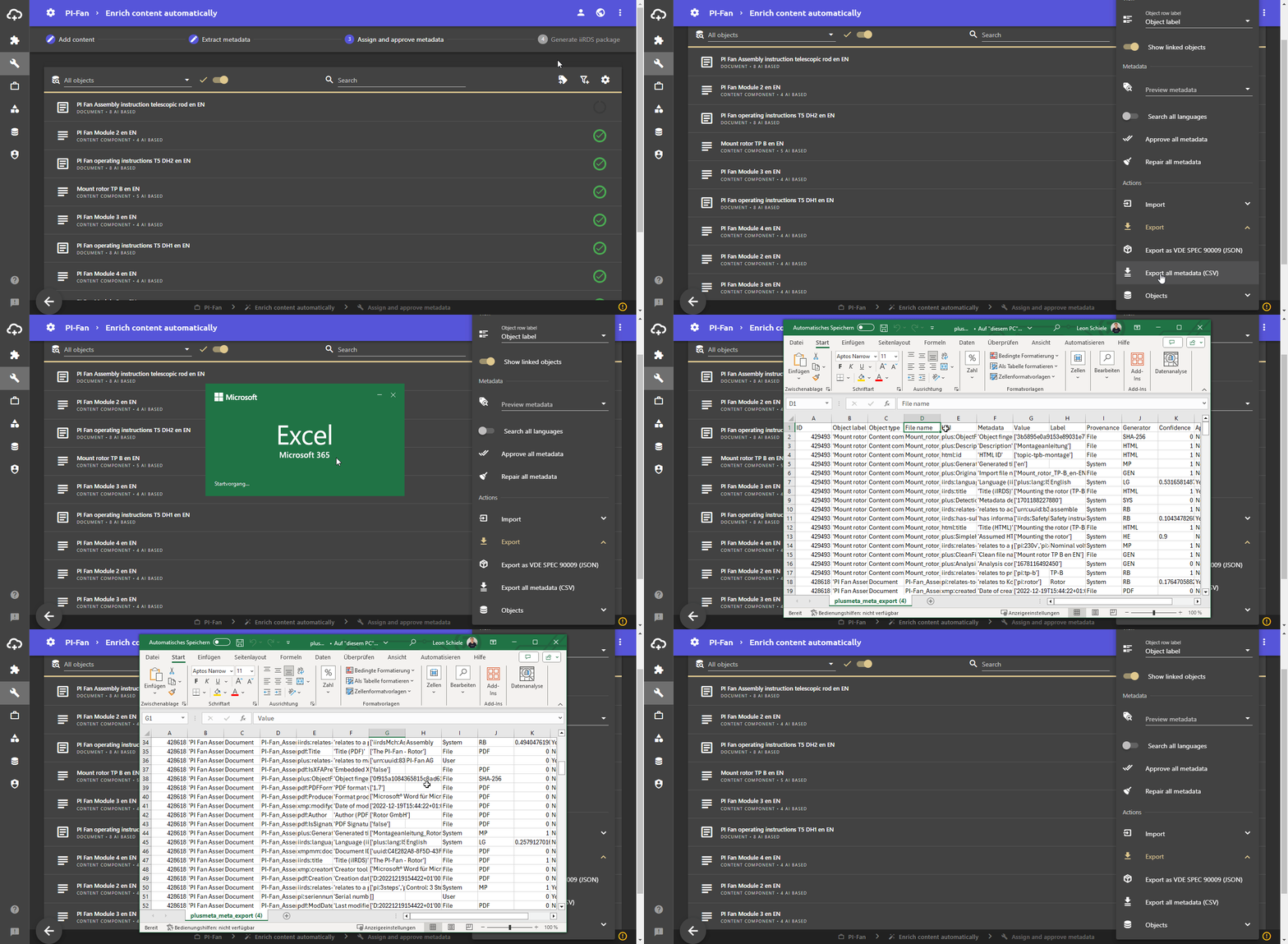
VDE SPEC 90009 is a standard format for the exchange of metadata including the relevant additional information (meta-metadata) such as origin, confidence and approval status.
- Click on to open the Settings.
- Click on Export and select Export as VDE SPEC 90009 (JSON) to export all metadata of the project as a JSON file. The file is downloaded automatically. You can open the JSON file with Notepad++, for example.