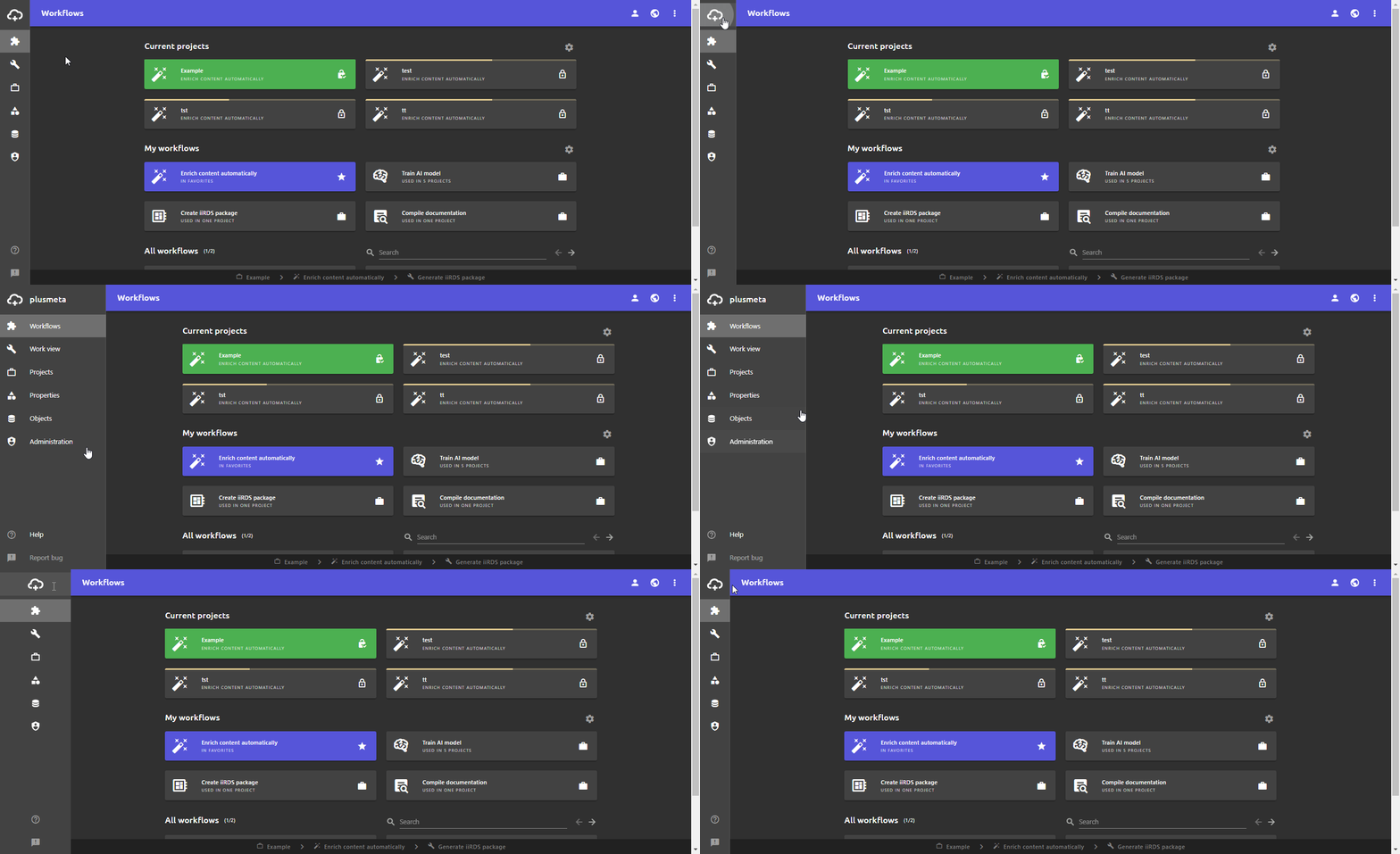
There is a help page for each main view, which describes the structure and elements:
-
Workflows view: In this view, you will find your workflows and your current projects. You can also create new projects via the workflows view. The workflows view is also the start page in plusmeta.
-
Work view: Your currently active project is always open in the work view. You work on your projects in this view. If you do not have a currently active project, this view is grayed out.
-
Projects view: All your projects can be found in this view. Both ongoing and completed projects are listed here and can be searched and edited.
-
Properties view: In the properties view, you can see all the properties stored in the documentation, such as metadata and relations. In this view, you can create, edit and delete properties and import your metadata.
-
Objects view: All objects, such as files or ML models, are collected here. Objects can also be edited, deleted and added via the objects view.
-
Administration: You can manage roles and rights in the administration. In addition, you can manage existing users and create new users.
