Content of this topic
- Rule: Automatic saving
- Exception: Creating objects, projects and properties
- Exception: Changes to the User profile
Rule: Automatic saving
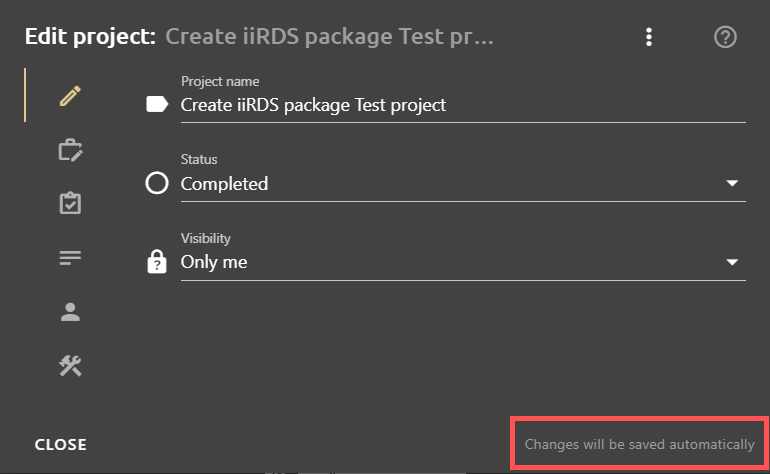
In most cases, plusmeta saves your changes automatically. So you don’t have to save manually. You can see this, for example, in dialog windows at the bottom left by a corresponding note.
Exception: Creating objects, projects and properties
However, there are a few exceptions, e.g. when creating new properties, creating objects manually in the Objects view and creating projects in the Projects view. In these dialogues, there are clearly visible buttons that trigger the creation process.
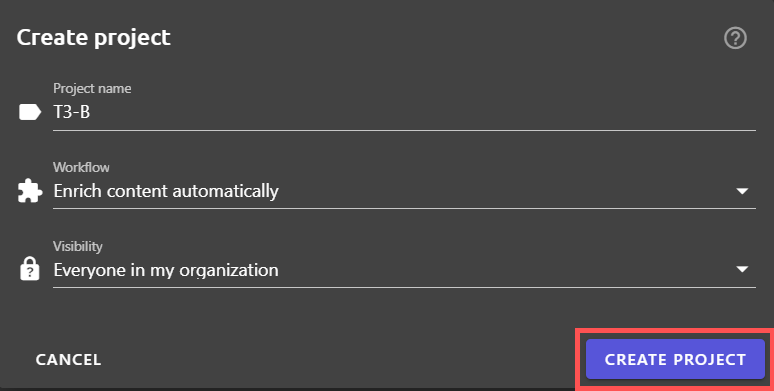
Once the objects, properties and projects have been created, subsequent changes are automatically saved in the respective editing dialogs.
Exception: Changes to the User profile
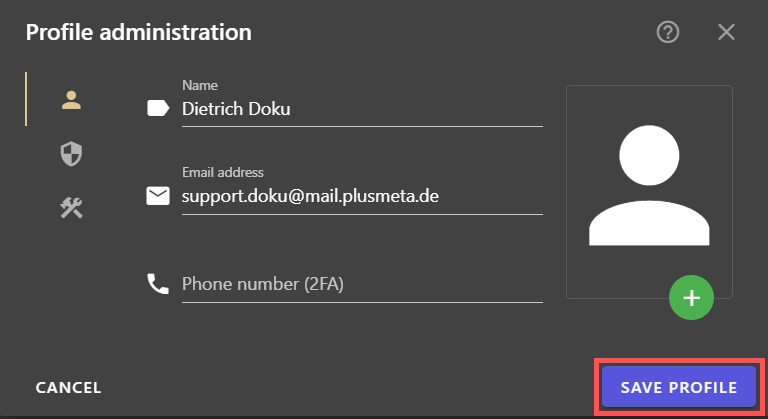
Changes to the User profile also have to be actively saved via a button. Here you will find the SAVE PROFILE button in the dialogue window Profile administration and the CHANGE PASSWORD button in the Change password dialogue window.