Content of this topic
Each workflow consists of workflow steps that lead you step by step to your goal. The steps involved in a workflow depend on the goal that is to be achieved with the workflow.
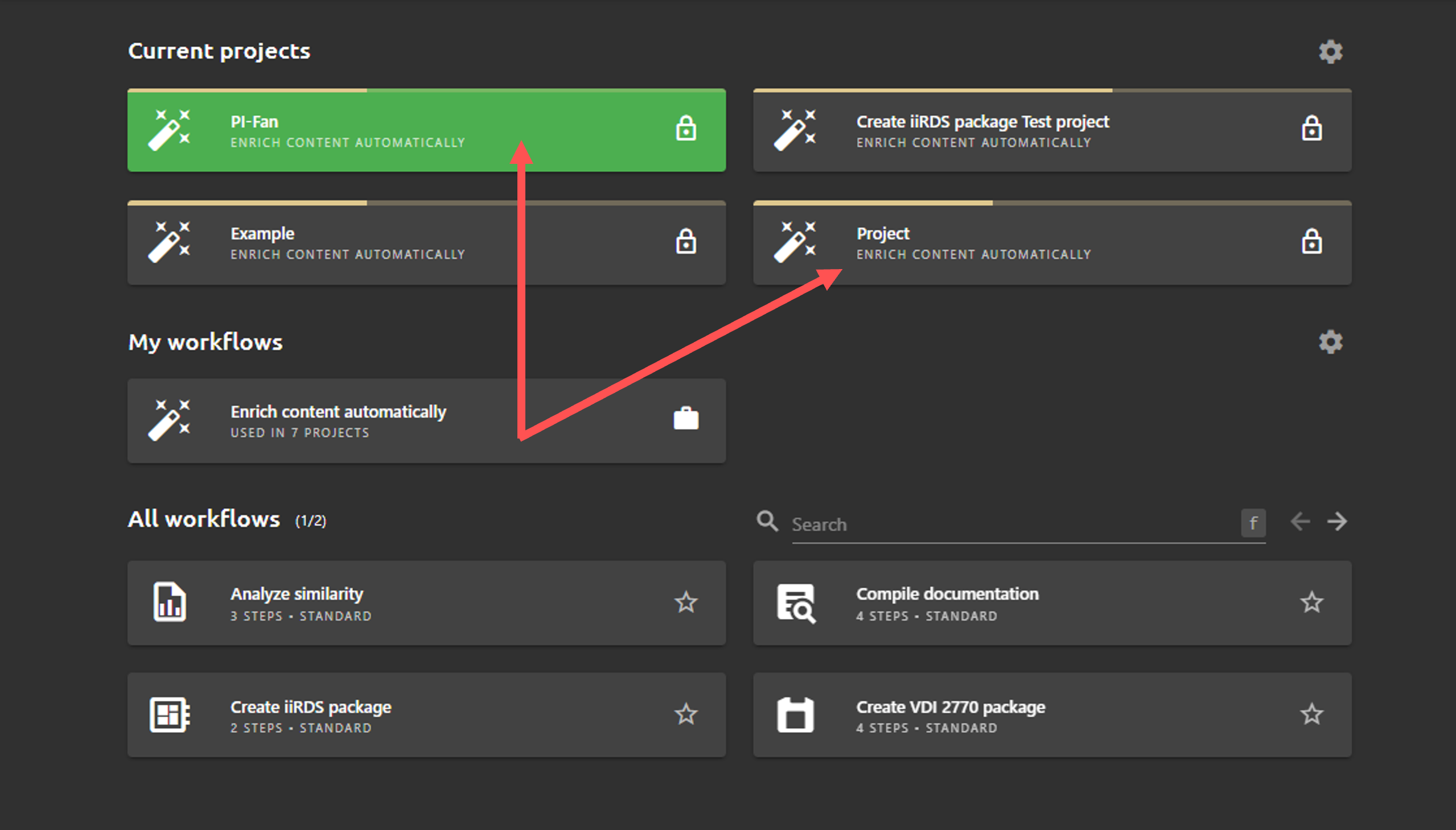
In the Workflows view you can see your current projects, highlighted workflows and all your workflows. You can customize the view and show or hide completed projects or projects shared with you.
Difference between workflows and projects
In plusmeta, projects are always based on workflows.
-
Workflow: Workflows are like templates that define the framework. The workflow defines which workflow steps and setting options are available in the project.
-
Project: A project is the application of a workflow with specific content. Many projects with different contents can be based on one workflow.
Create projects on the basis of workflows
- Click on the desired workflow in the My workflows area or in the All workflows area.
- Assign a project name.
- You can make further settings if necessary.
- To create the project, click on the button START WORKFLOW. You are automatically taken to the work view of the first workflow step, e.g. Add content.
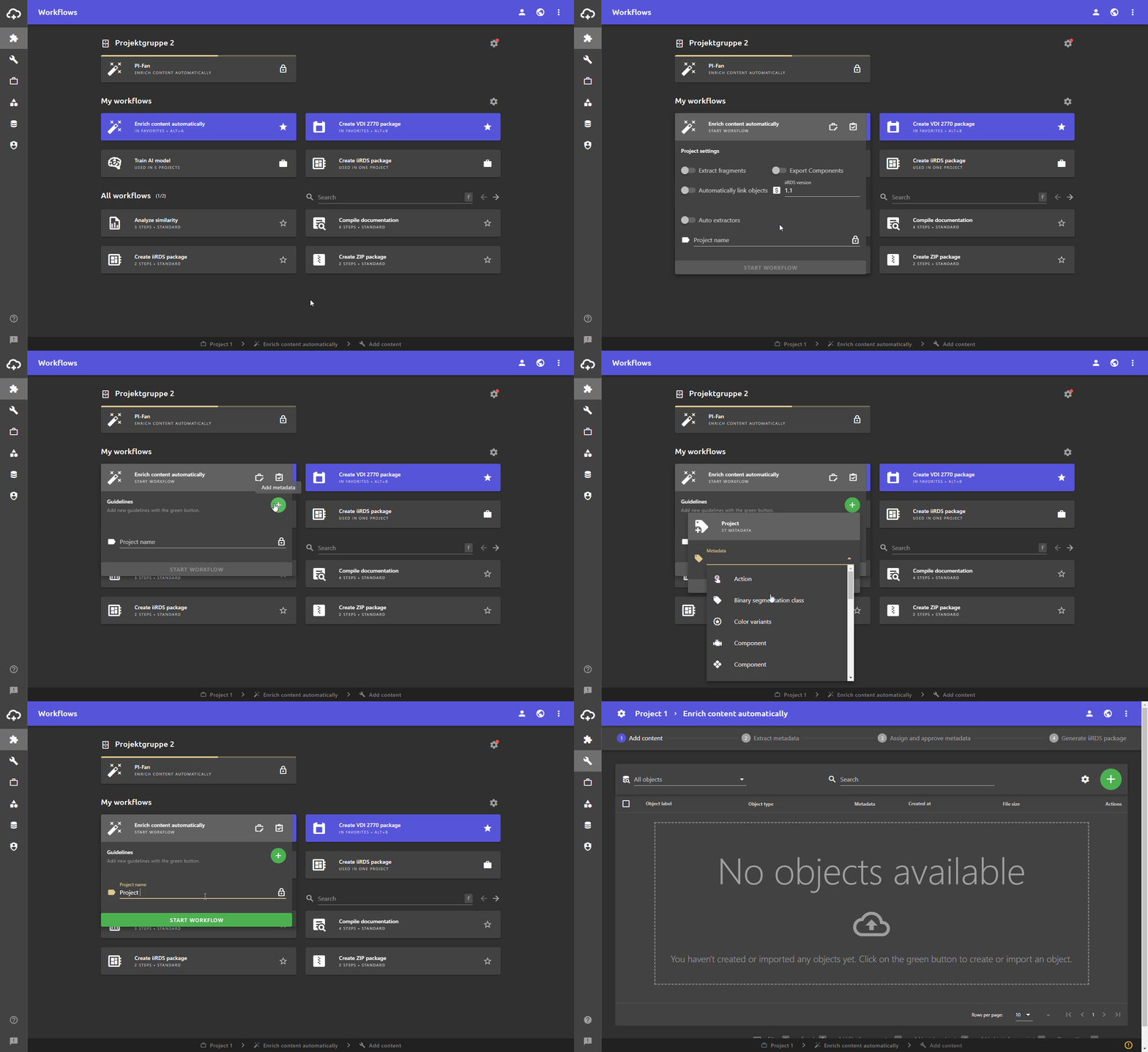
Workflow settings
-
You can use the button to adjust the visibility of the project.
Visibility Meaning Only me Only you can see the project. The project is not visible to your colleagues. Everyone with shared link All (including users without a user account in plusmeta) can view and access the project via a generated share link. Everyone in my organization, shared by me All users who are assigned to your organization in plusmeta can see and access the project. Everyone in my organization, shared by another user All users who are assigned to your organization in plusmeta can see and access the project. -
You can edit project settings using the button.
-
You can use the button to set project guidelines.
-
You can highlight workflows in the My workflows area.
Reuse of workflow steps
The following table shows an overview of the workflow steps that occur in the common plusmeta workflows. Some workflow steps exist in several workflows, e.g. Add content.
| Workflow | Step 1 | Step 2 | Step 3 | Step 4 | Step 5 |
|---|---|---|---|---|---|
| Enrich content automatically | Add content | Extract metadata | Assign and approve metadata | Generate iiRDS package | |
| Fill VDI 2770 package | Add content | Extract metadata | Assign and approve metadata | Create VDI 2770 package | |
| Analyze similarity | Add content | Analyze similarity | Clean up data | ||
| Compile documentation | Import placeholder configuration | Find objects | Assign objects | Generate iiRDS package | |
| Train AI model | Define model | Add examples | Assign properties | Train AI model | Check AI model |
| Share files | Define model |
