Content of this topic
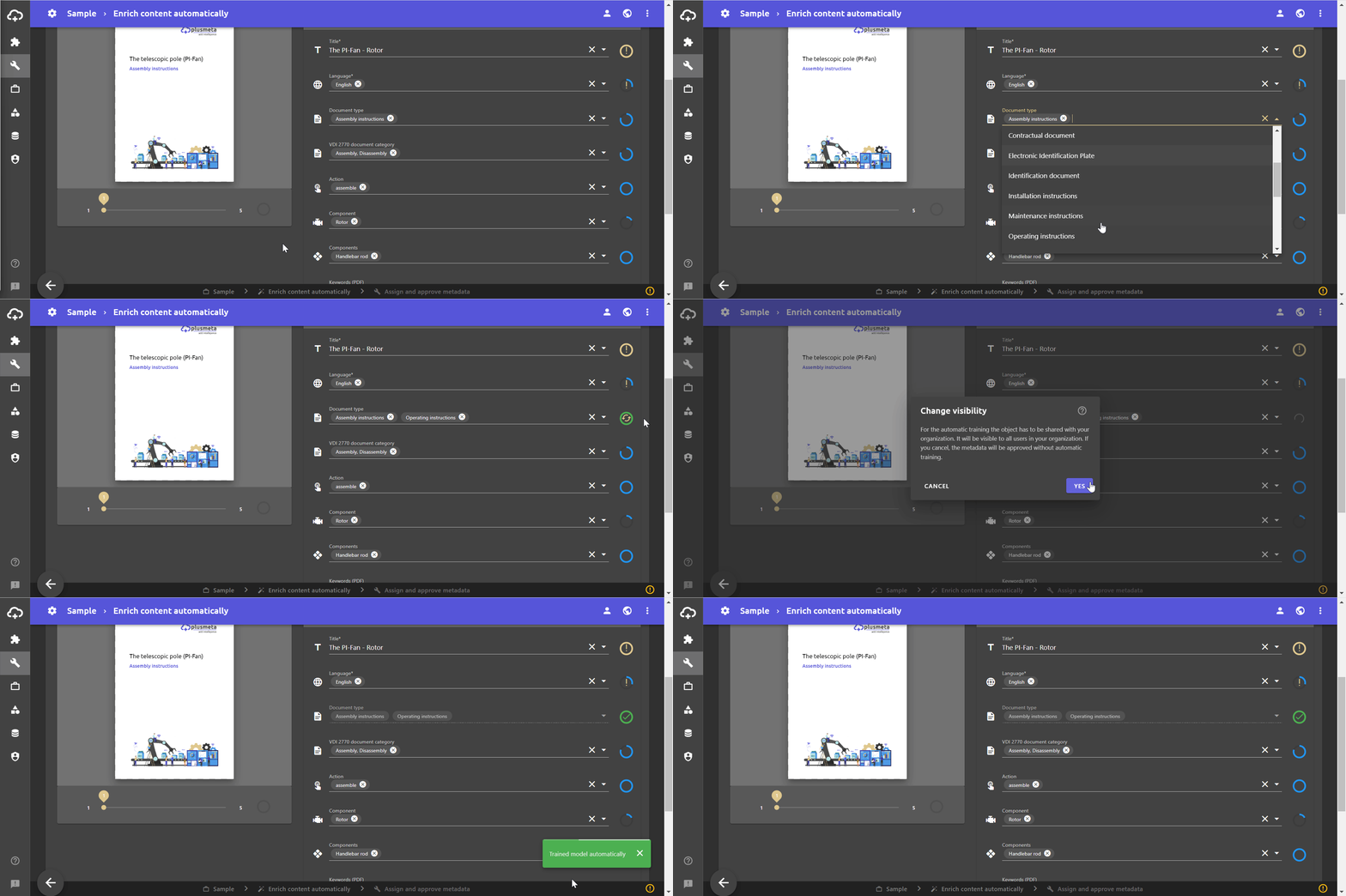
Automatic training is a useful feature that allows an AI model to be further trained through your actions. If metadata predicted by machine learning is corrected by the user, the associated AI model is automatically trained in the background. The prerequisite is that the AI models project is visible to everyone in your organization.
Functionality
The option for automatic training is displayed in the metadata indicator by the icon and a corresponding tooltip. It appears after you have manually edited metadata predicted by machine learning.
The automatic training is started by approving edited metadata and runs in the background. A notification informs about a successful training.
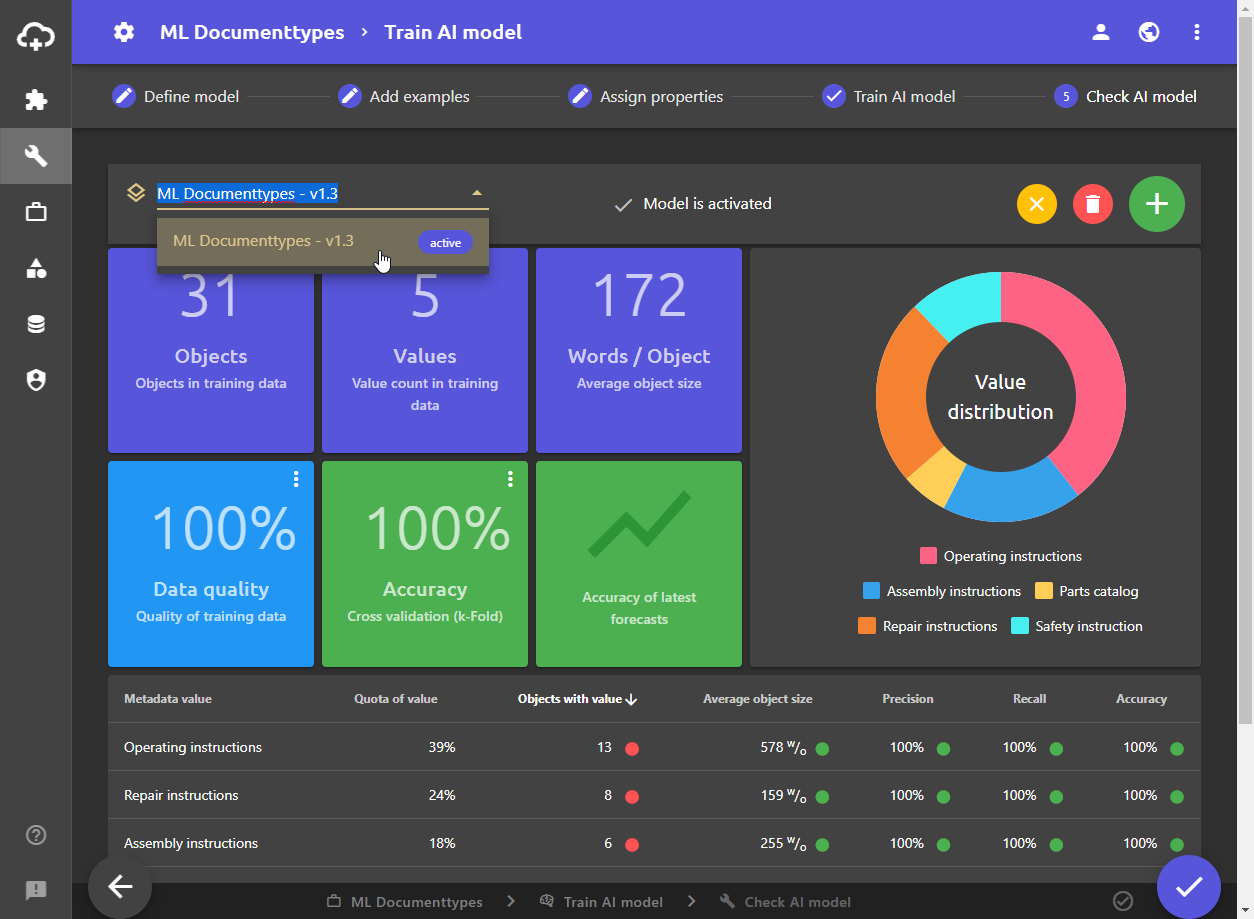
During automatic training, a subversion of the AI model is created, which is automatically activated and available for other users:
Requirements
For the automatic training to work, the AI model project must be visible to everyone in your organization. You can find out how to set the visibility of your project on the help page Set visibility.
Alternatively, you can also activate the automatic training in the first workflow step Define model of the desired AI model:
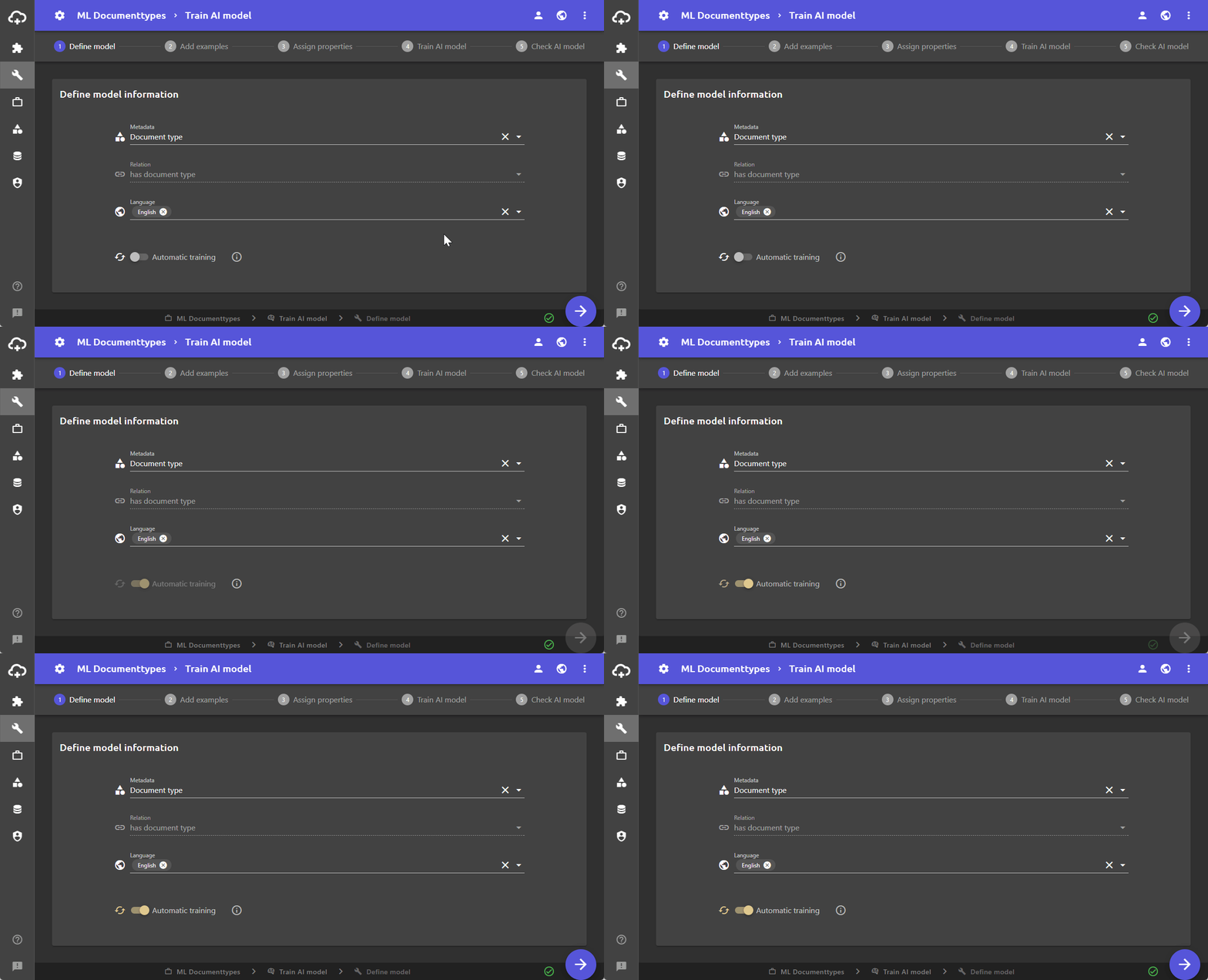
By activating the Automatic Training switch, the project of the AI model and all objects contained will be shared with everyone in your organization. That means they all get the visibility status Everyone in my organization.
