Content of this topic
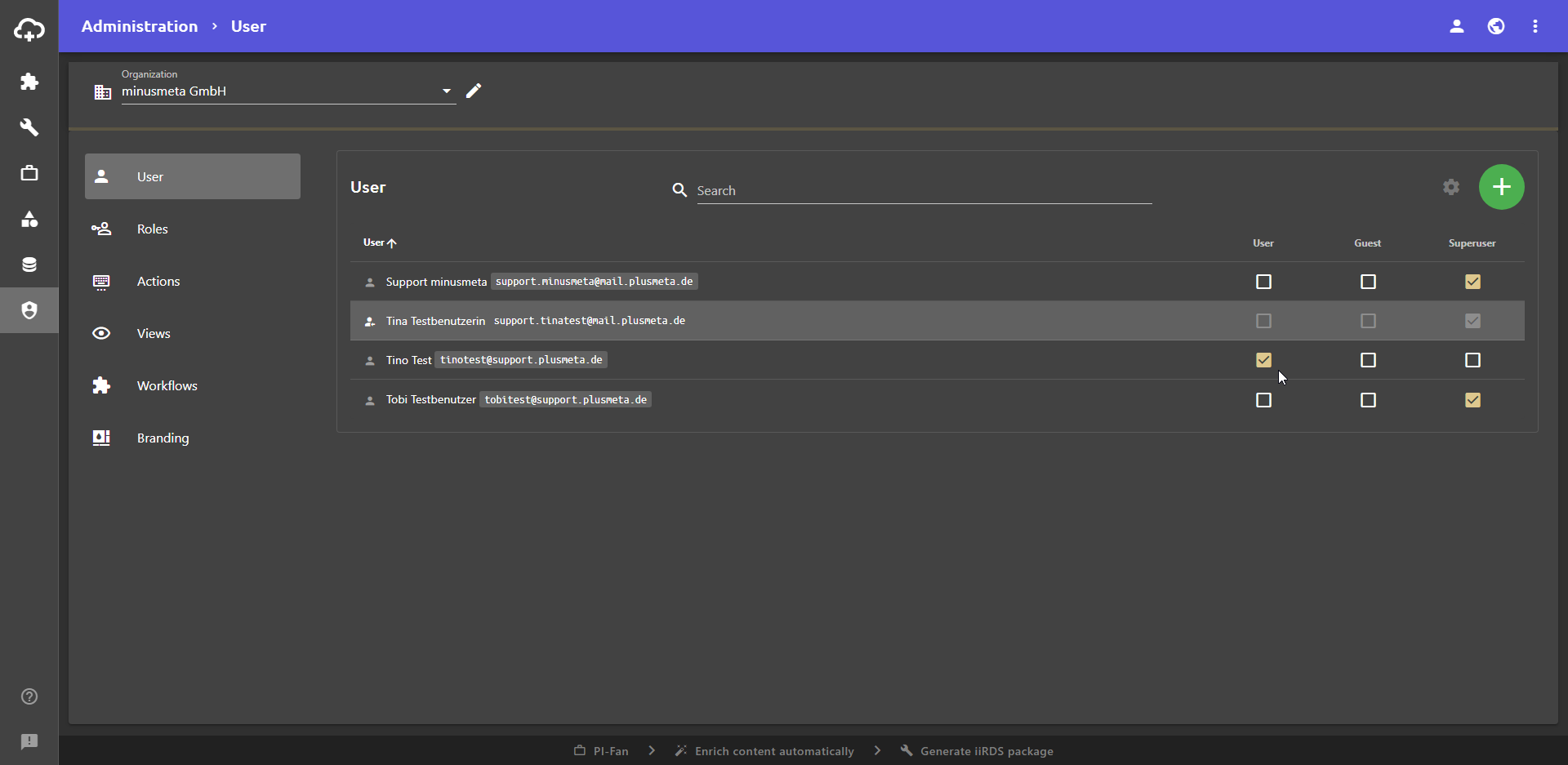
In this section of the Administration view, you can manage the users of your organization. You can create and delete users, change user data and assign roles to users.
Note: Since user permissions can be configured individually, it is possible that your user does not have all permissions for the activities described here.
Create new users
- Click the Add button to create a new user.
The Add User dialogue opens. - Enter the email address and name of the user and adjust the organization if necessary.
- Click SAVE if you only want to add one new user. Click SAVE AND CONTINUE if you want to add multiple new users. In this case, the Add User dialogue remains open and you can immediately add the next user.
The new user is created and receives an email with instructions on how to change the password. It may end up in the spam folder.
Edit and delete users
- Hover over the user and click the button.
The Edit User dialogue opens. - Make the desired changes.
Note: If you change the email address, the user will receive an email to the new email address for verification. This e-mail contains a request to assign a new password.
- Click SAVE.
You can also use the button in the Edit User dialogue to reset the user password and delete the user.
Assign roles
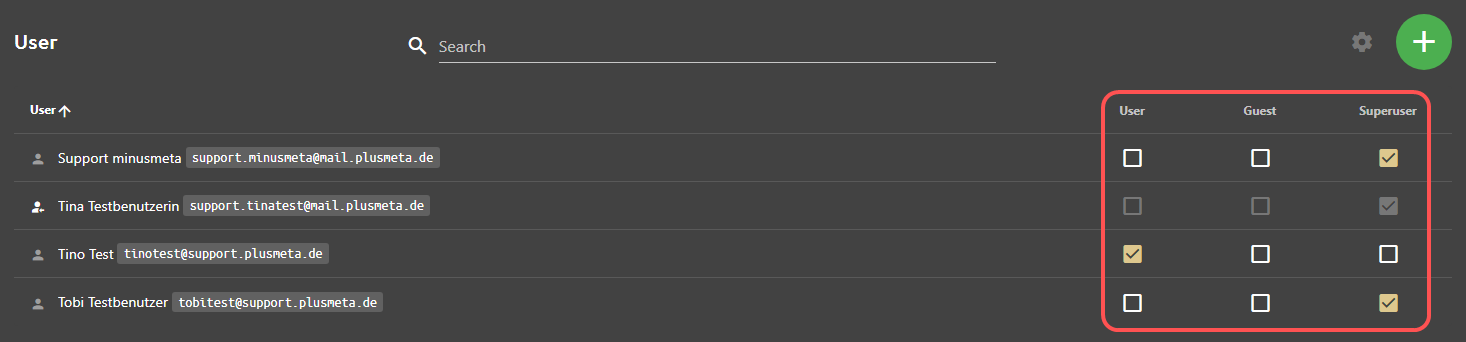
In plusmeta, permissions are not assigned directly to users, but to Roles. The permissions are assigned to roles, which in turn are assigned to the users. So they assign the users a role that has different permissions. You can set which permissions a role has in the Actions, Views, and Workflows sections of the Administration.
Use the checkboxes to assign a specific role to users:
Note: The changes may only become active after a new login.
